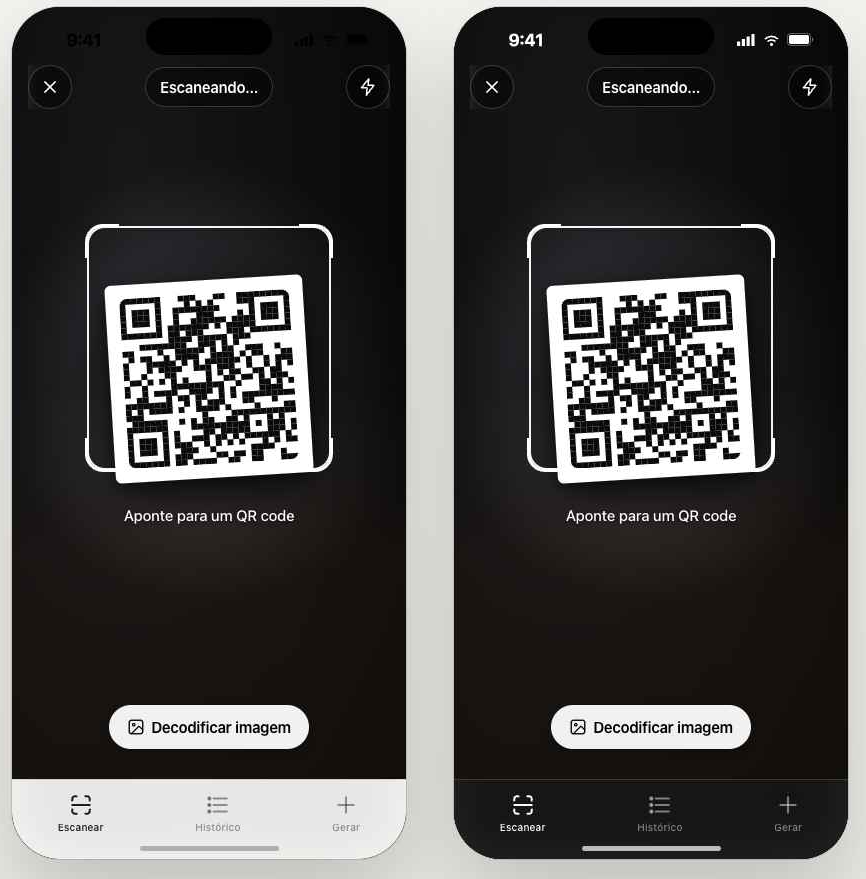
Live scanner
Auto-detects URL, Wi-Fi, vCard, WhatsApp and plain text. Also decodes from a gallery image.
Live scanner that auto-detects links, Wi-Fi, vCard, WhatsApp and plain text. Build any QR with preview. Visual history with safety hints — all offline, no account.
No friction, no signup, no cluttered reader. Works offline, identifies the payload instantly and organizes everything in a history that actually makes sense.
Auto-detects URL, Wi-Fi, vCard, WhatsApp and plain text. Also decodes from a gallery image.
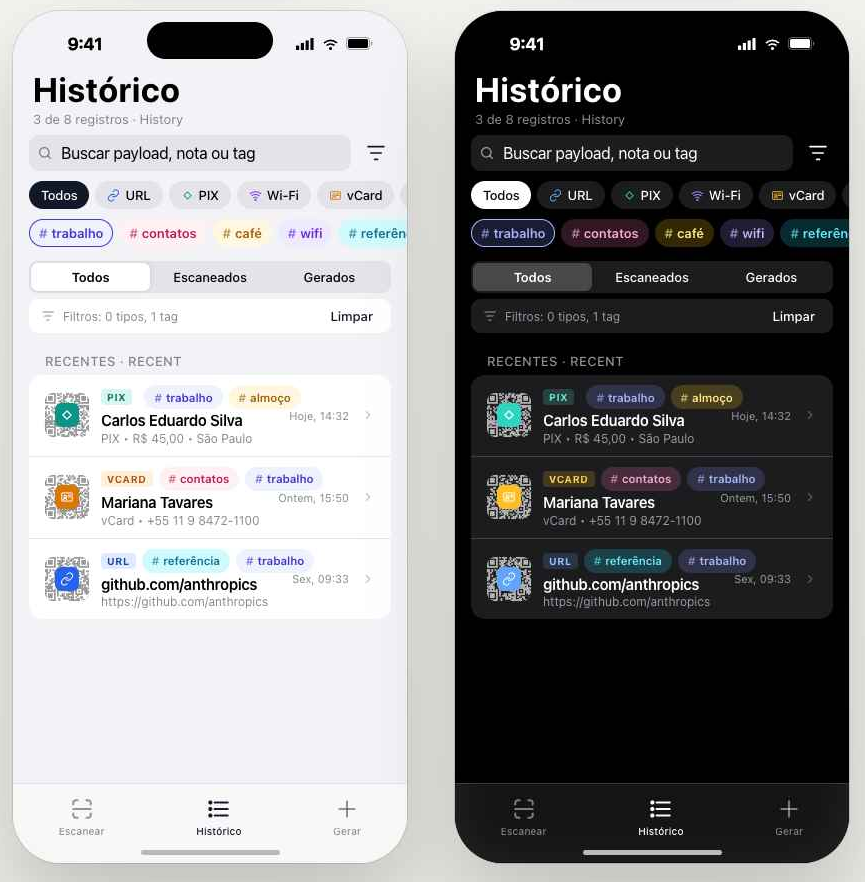
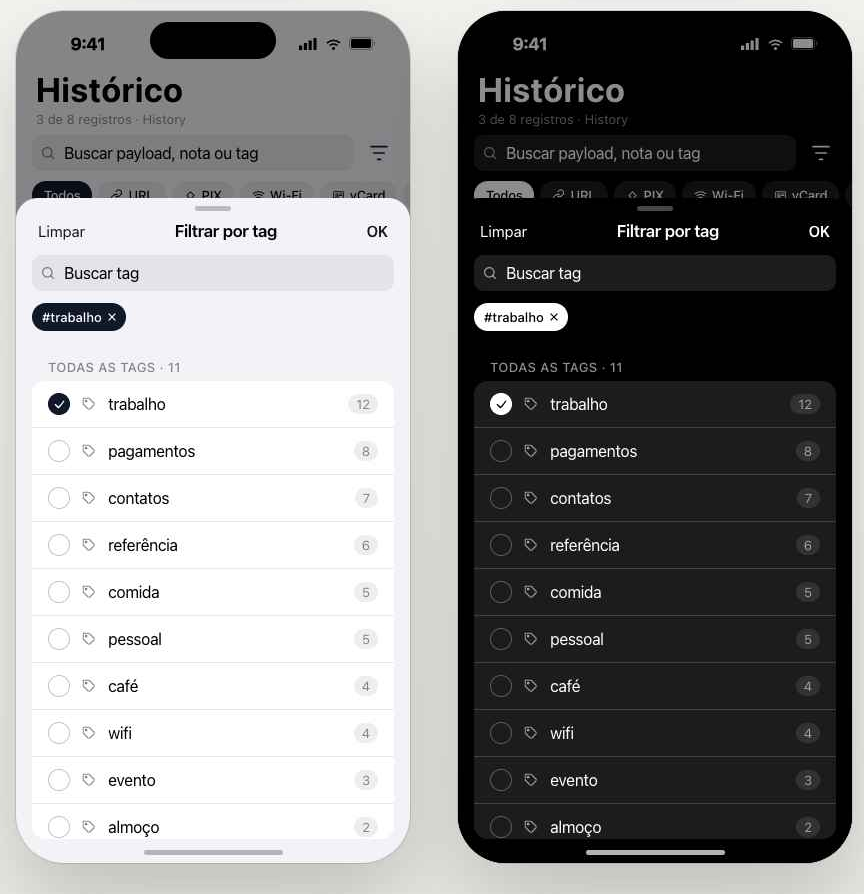
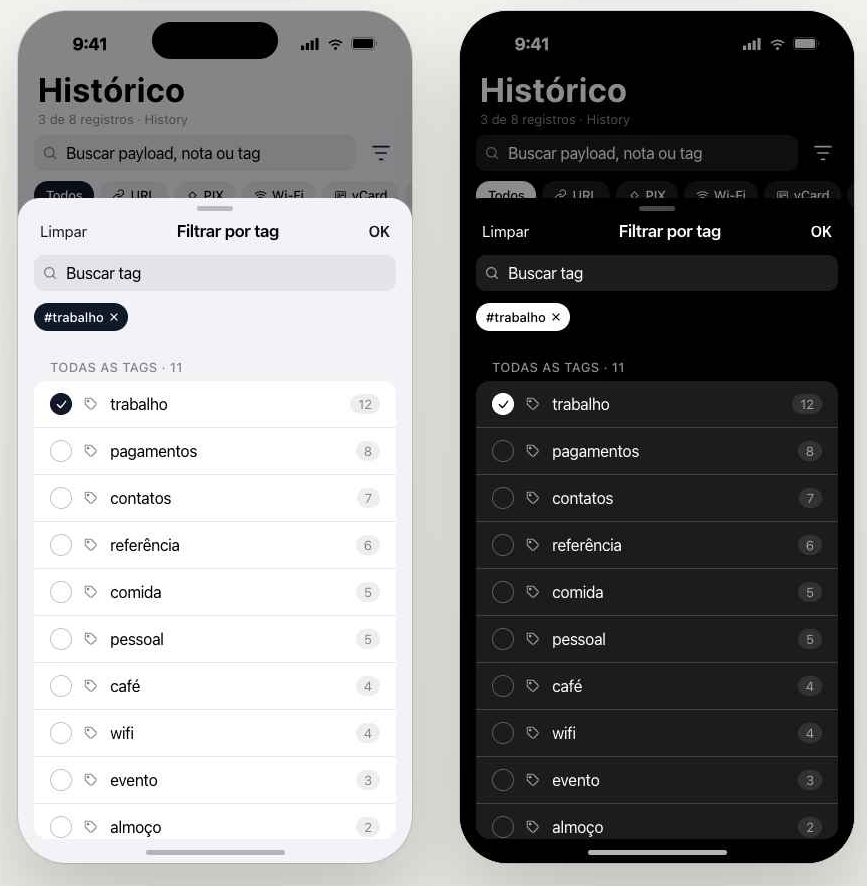
Every scan keeps a photo of the QR and the parsed payload. Filter by type, tags, or search across notes.
URL warnings before you tap: homograph attacks, shorteners, raw IPs, and non-HTTPS.
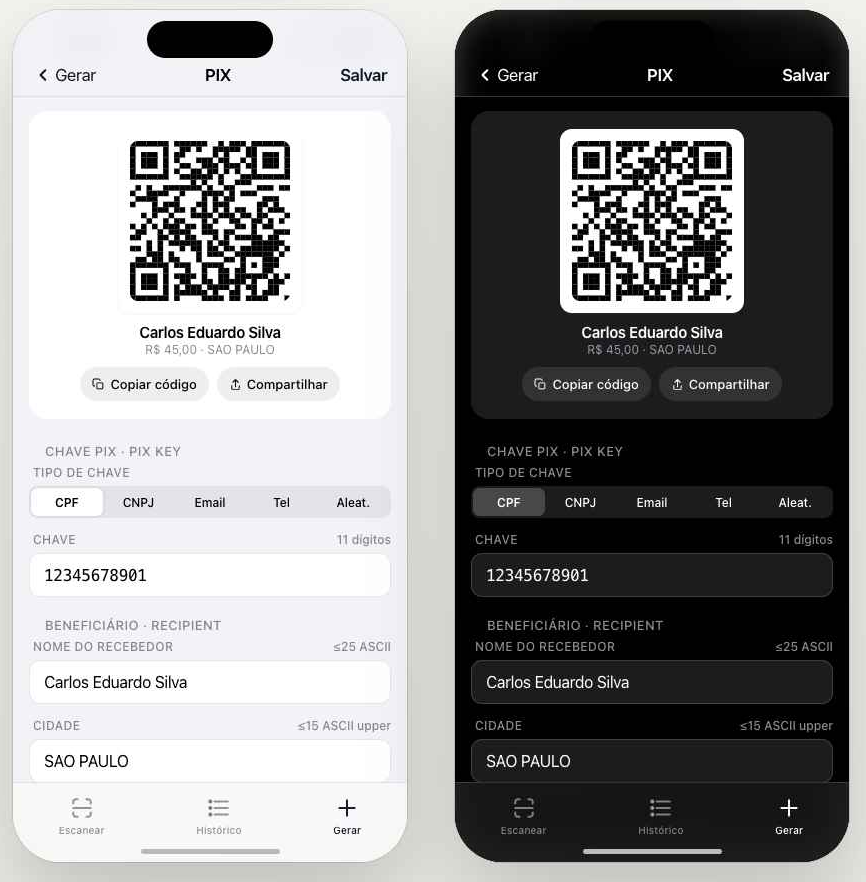
Build URLs, Wi-Fi credentials, vCards, WhatsApp messages and plain text — plus regional payment QRs like PIX in Brazil.
Opt-in: iCloud on iPhone or Google Drive on Android, in an app-private folder. You choose what and when.
No account, no usage analytics. Scans stay on the device unless you tap Share.
Every screen follows your system theme. See the app side by side in light and dark mode.
You don't create an account. We don't ask for your contacts or your location. Scans are stored locally; cloud backup is opt-in and goes to your own iCloud or Google Drive in an app-private folder. Crash reports (Sentry) only see scrubbed payloads.
Free in both stores. No signup, no friction — open the app and start scanning.